Watch it: 2½ minutes in the live demo
An employee raises a ticket, an agent picks it up and replies, a laptop request is approved and the CAB approves a change. Real screens and real clicks, recorded in the demo workspace.
Every request your IT desk handles, in one place.
Your workspace lives at supportit.in/yourcompany — nothing to install or host. Tickets, your own help centre and knowledge base, chat, SLAs and the ITIL practices, priced per agent, and free for two agents for good.
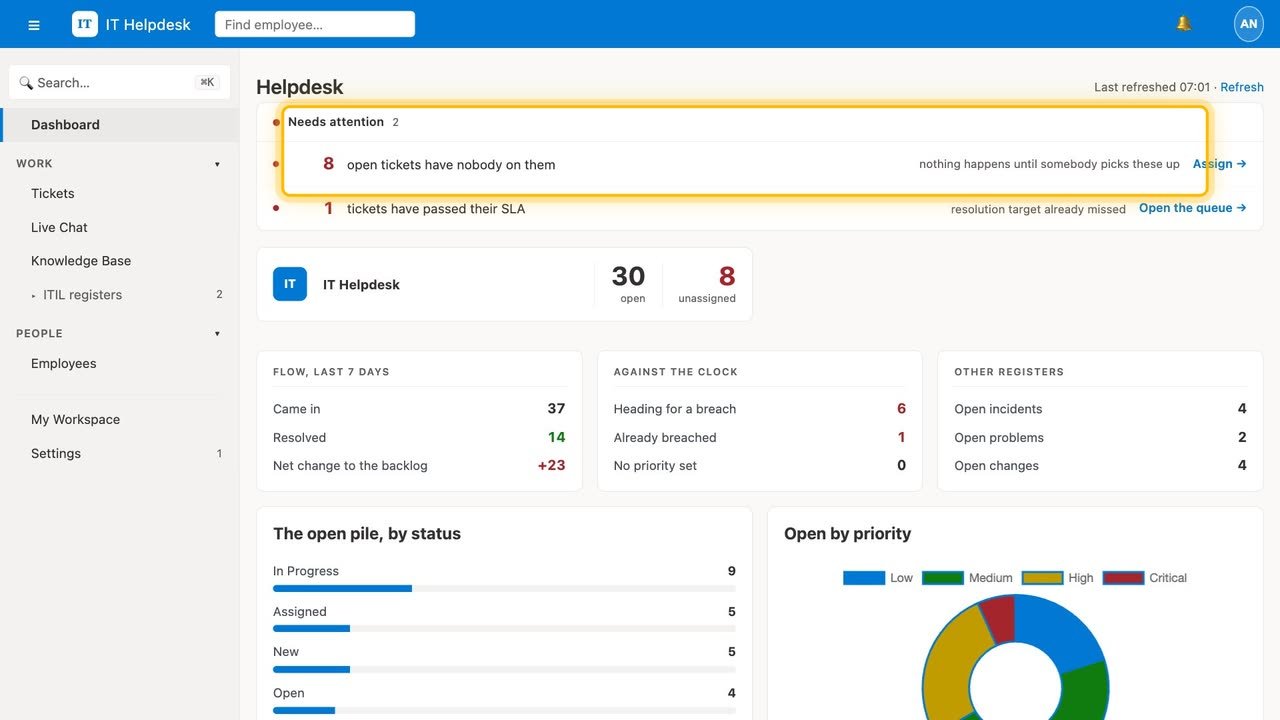
One conversation stays one ticket.
An employee emails the helpdesk; their lead and manager reply; the employee replies again. The mail headers keep every message on the same ticket — even if the subject line changes.
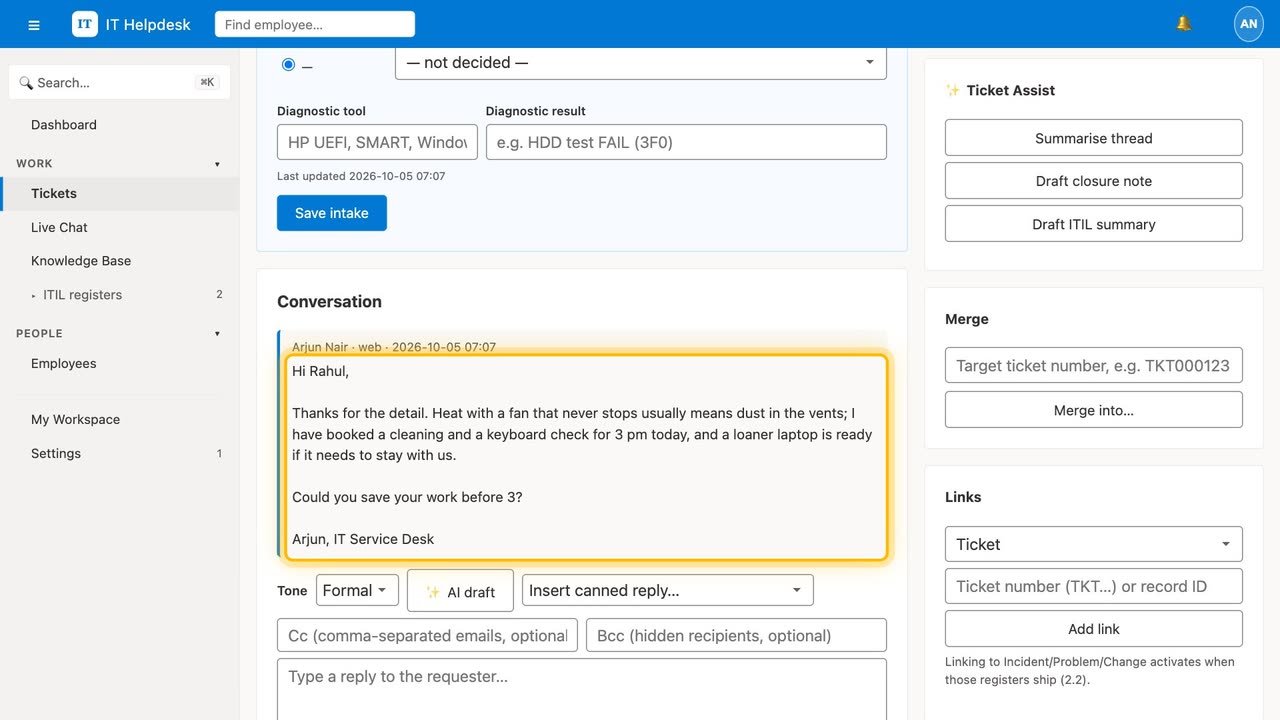
Tickets sort themselves.
A keyword engine, pre-loaded with a real IT triage table, gives each new ticket a category — and marks payroll and employee-portal questions as out of scope instead of leaving them in IT's queue. Every rule is yours to edit.
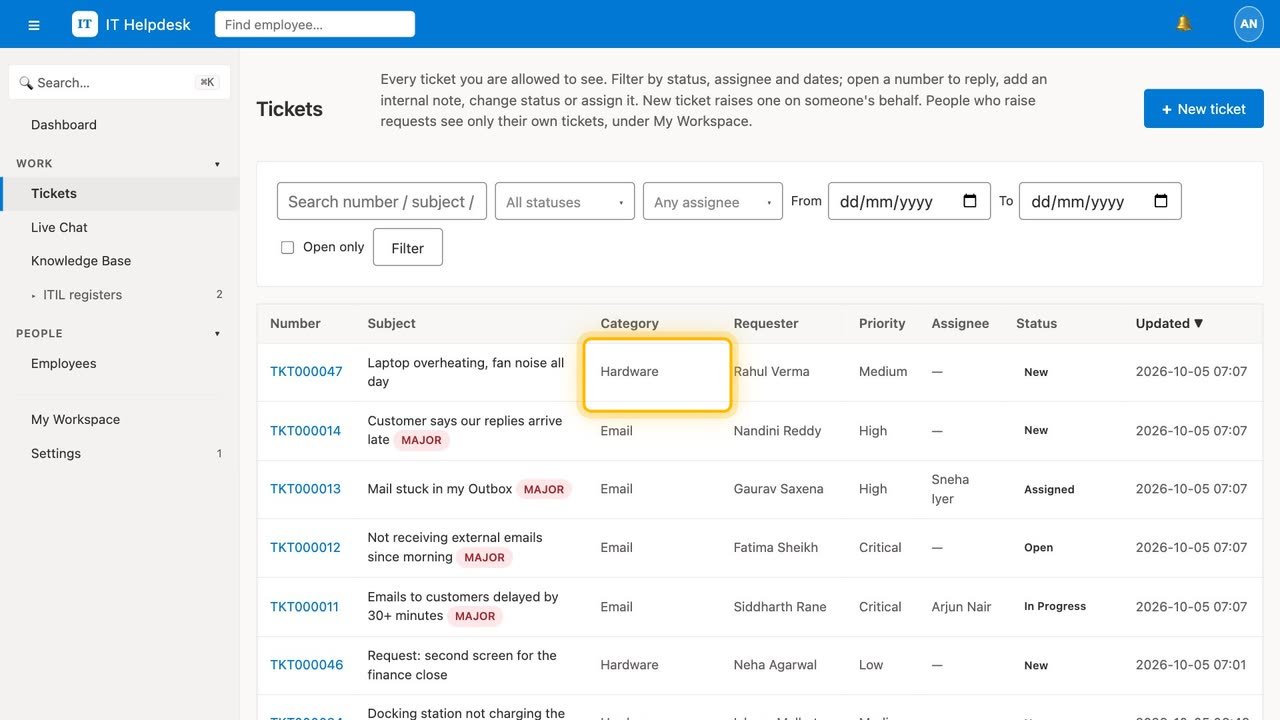
People help themselves first.
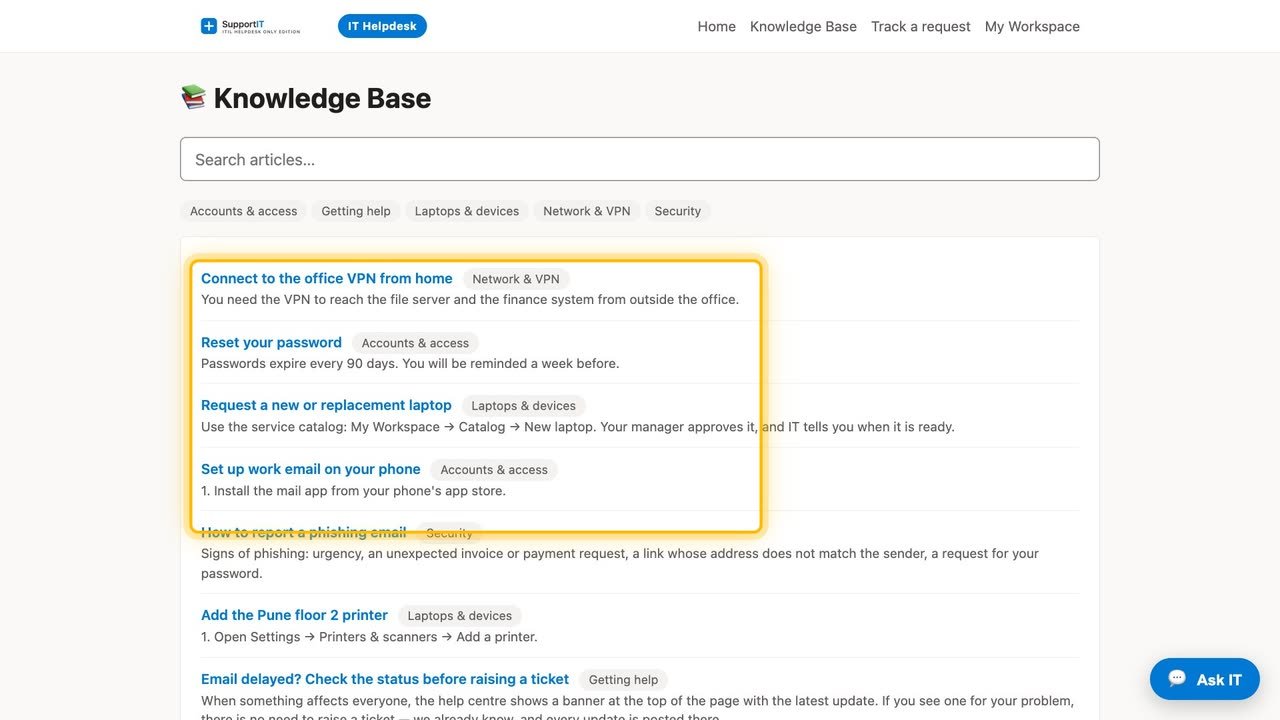
A help centre of your own where anyone can search the knowledge base, raise a request without an account and track it. Articles can be guided walkthroughs: one step at a time, and if nothing works, a ticket that already lists what they tried.
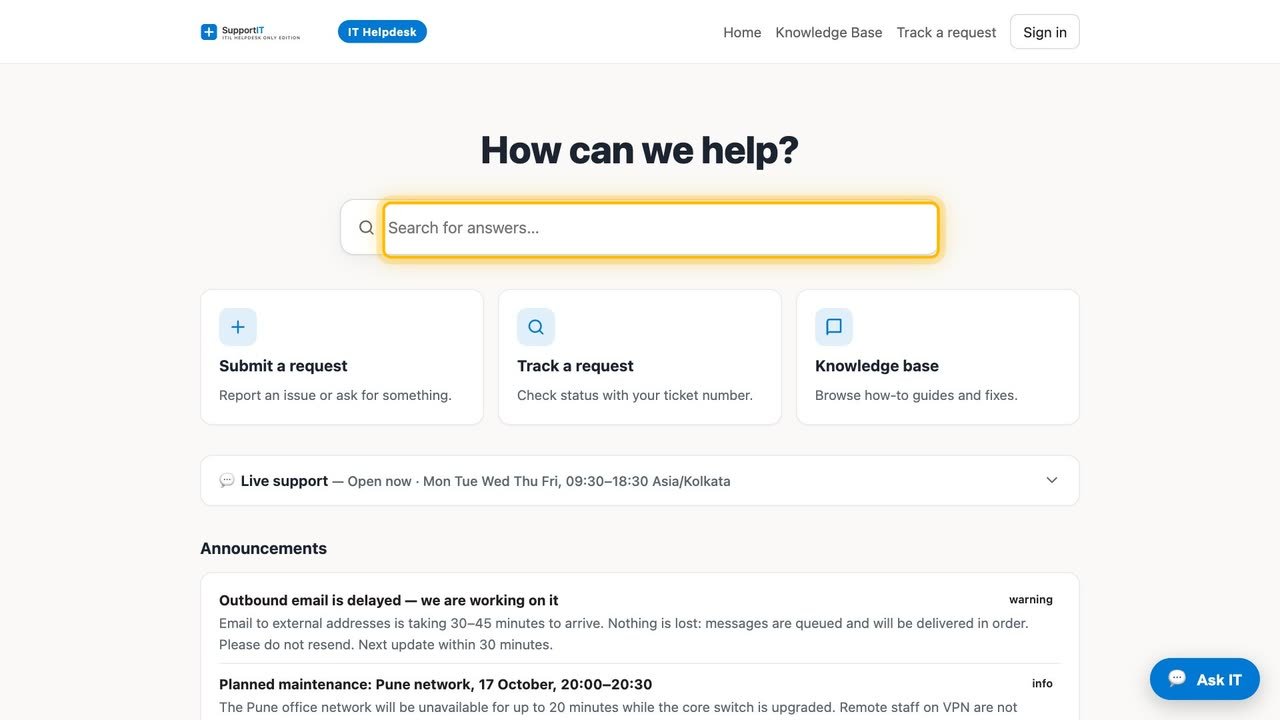
An assistant on the front desk.
It greets every visitor, works out what the question is about, answers from your own knowledge base, and brings in a person only when it needs to. It shows someone their own tickets only after a one-time code to the email on their record.
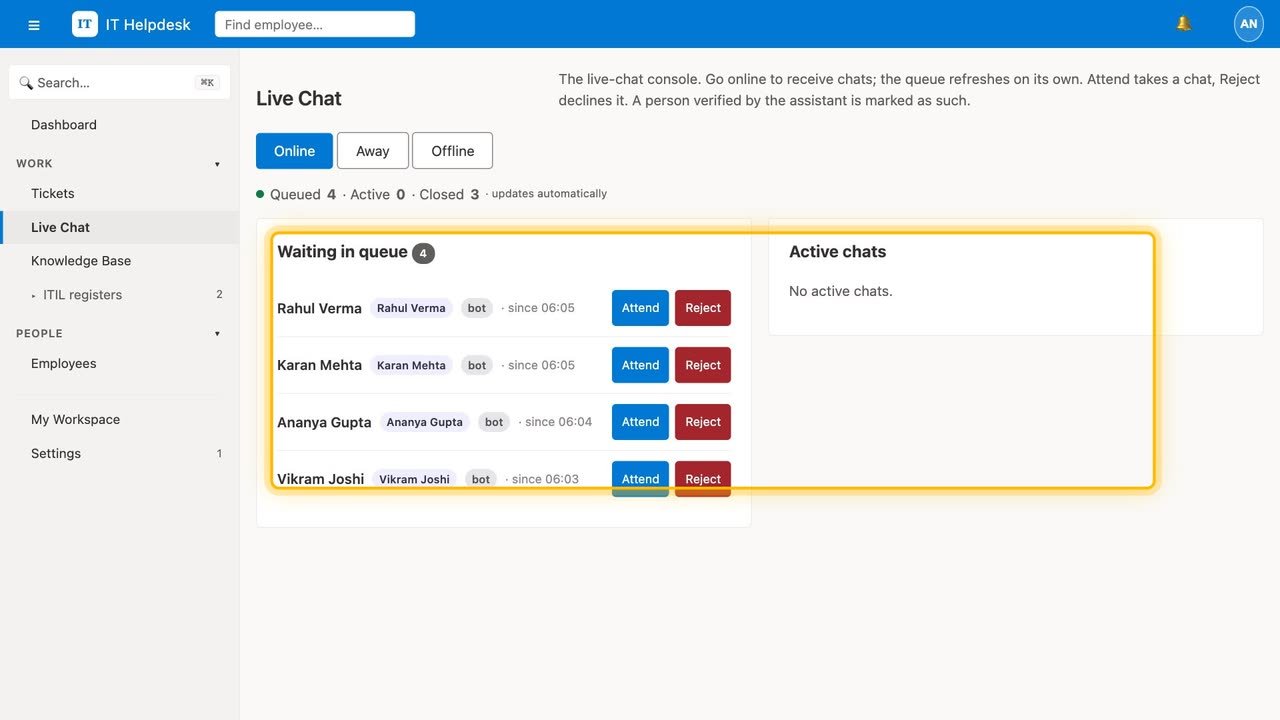
Live chat your agents can actually run.
The waiting queue refreshes on its own, and every chat can be attended, transferred to a colleague, or declined politely — and turned into a ticket when it needs follow-up.
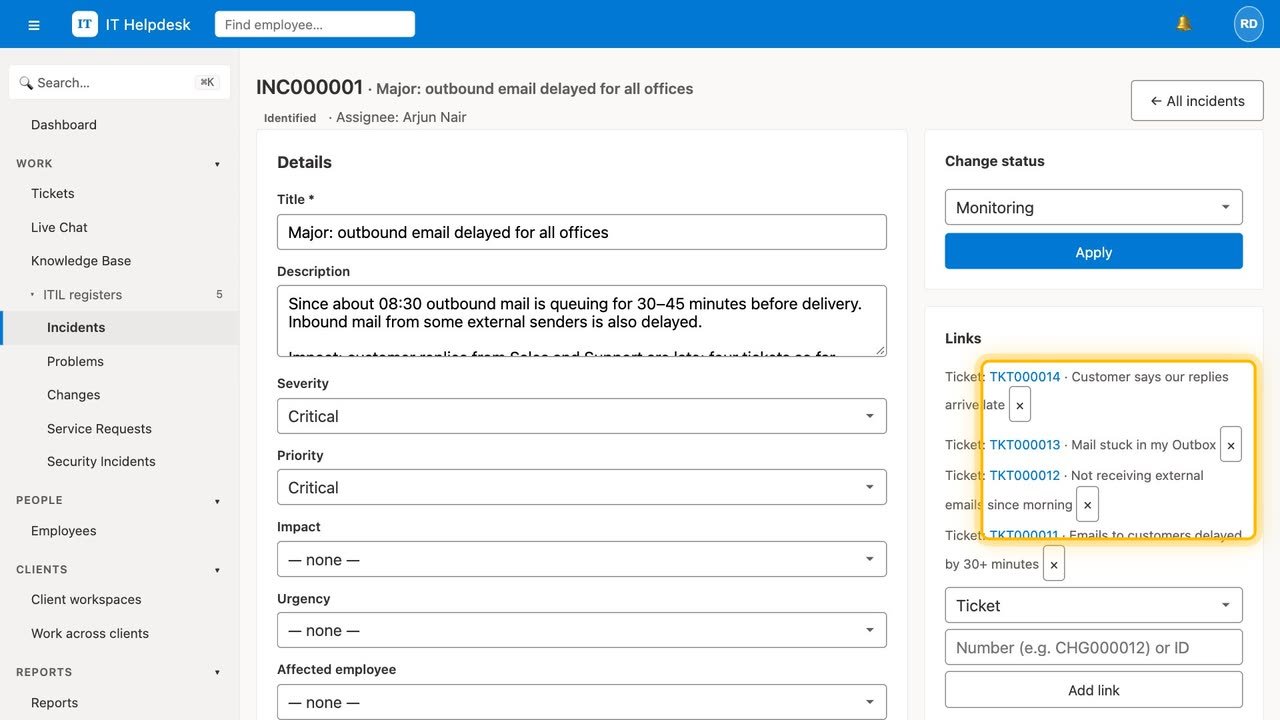
Incidents, requests, problems and changes — linked.
Incident management on every plan; service requests with a catalogue and approvals from Starter; problem and change enablement from Growth. Link a problem to its incidents and a change to the problem it fixes.
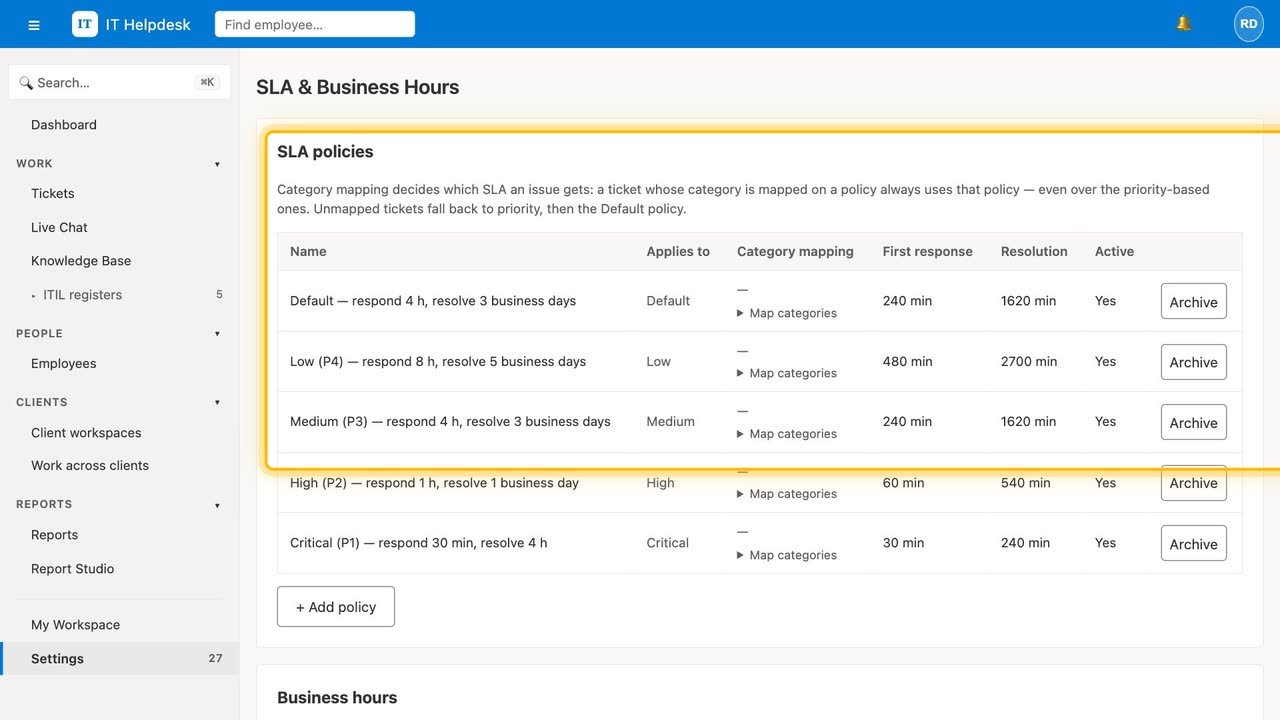
SLA clocks that know your working hours.
Set first-response and resolution targets by priority and category. Clocks follow your business hours and holidays, warn before a breach, and can escalate on their own — so nothing quietly goes overdue.
See who resolved what, every month.
Built-in reports show tickets resolved per agent, average handle time, first response and SLA met — exportable to CSV. From Growth, build your own reports and have them emailed on a schedule.
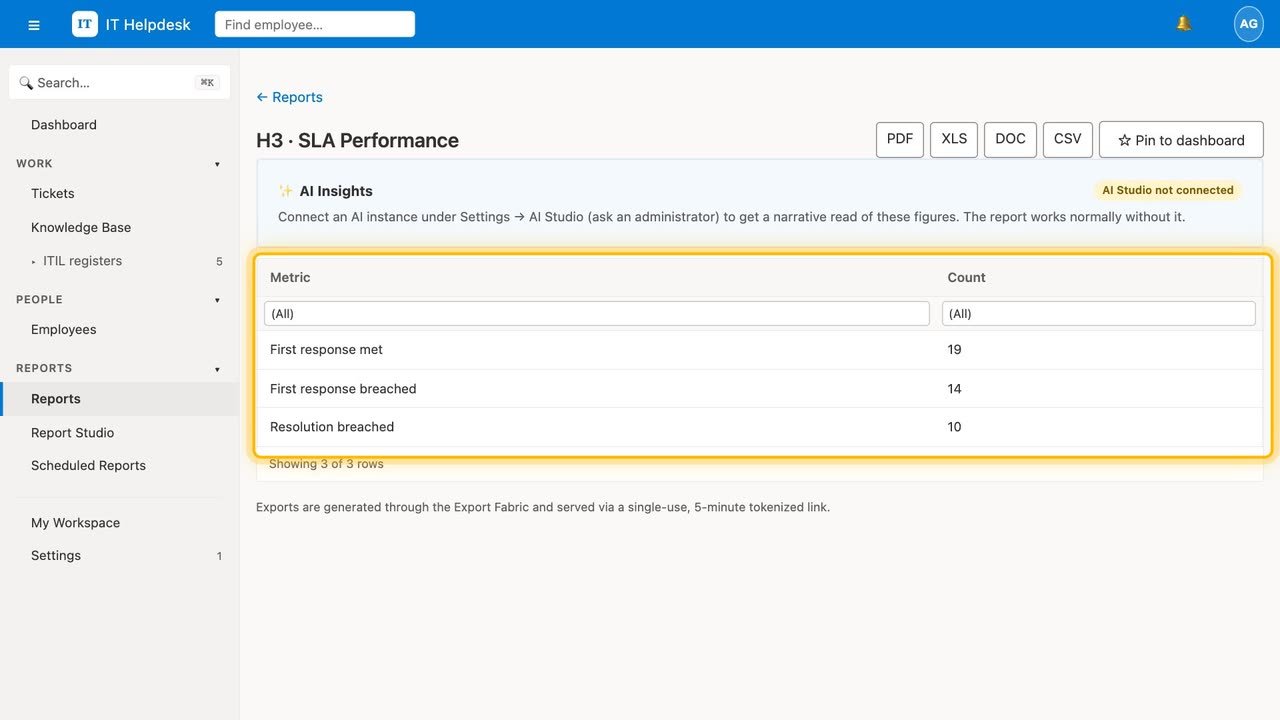
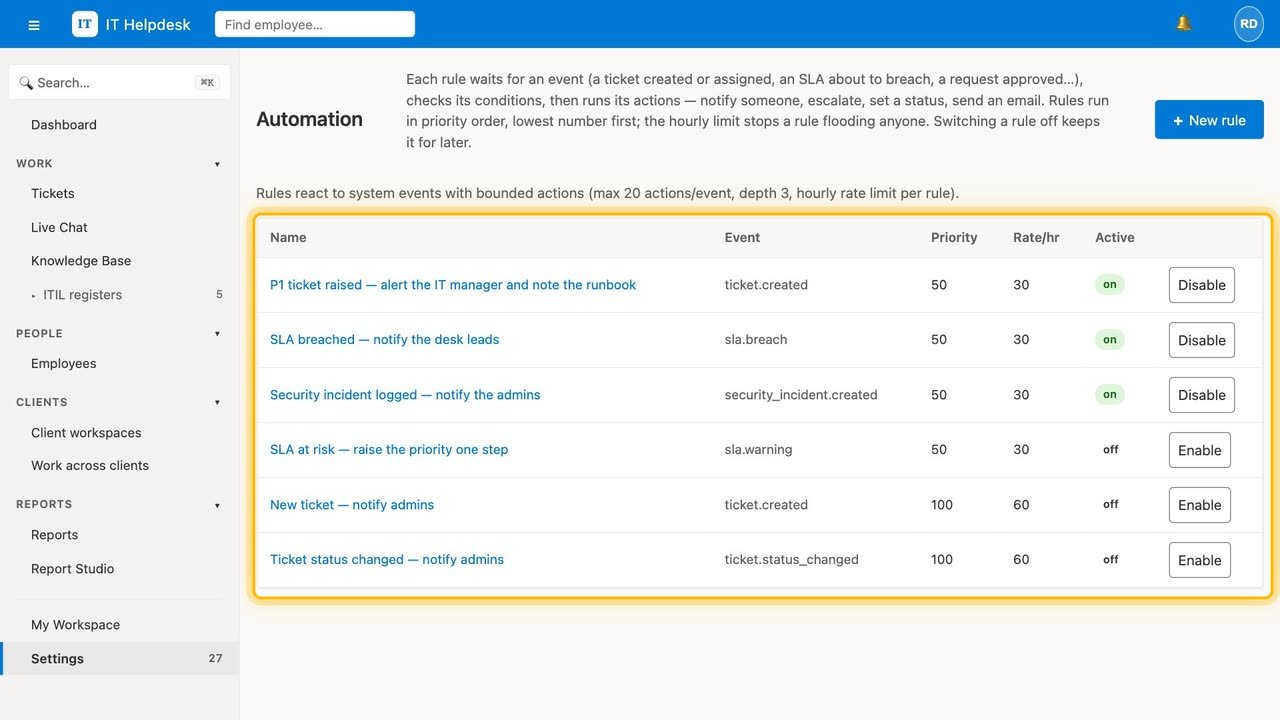
Exactly the access people need, and rules that watch for you.
Ready-made roles you can edit — owner, admin, agent, chat agent, approver, auditor, requester and more — with your own roles from Growth. Automation turns events into actions: notify, escalate, set a status, send an email.
Open to everyone — without being open to abuse.
Two-factor sign-in, sign-in limits per account and per connection, a built-in human check on every public form (no third-party CAPTCHA), an audit log of every change, and each organisation's data kept apart. Export everything, any time, even on a lapsed plan.
The IT service desk, and nothing else.
Support IT Helpdesk keeps to IT service management: tickets, SLAs, the help centre and knowledge base, chat, the ITIL practices above, reports and an API. It does not track assets, software licences, vendors or joiners and leavers — those live in SupportCentral Enterprise, a separate product from the same team.